

Switch Salon Software for Free
Free Data Transfer,
Done for You
Switching software shouldn’t be stressful. We’ll migrate all your data securely and accurately—completely free.
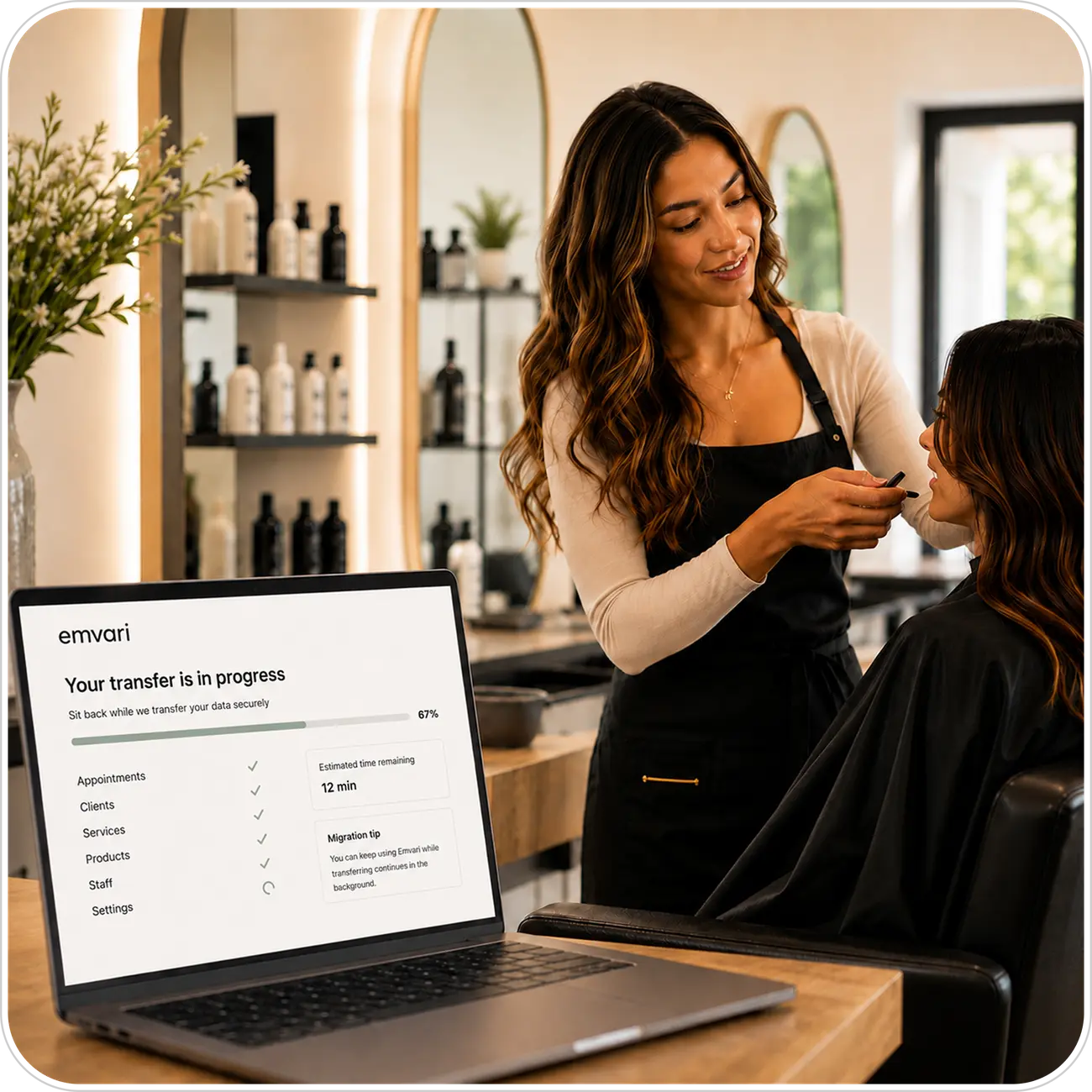
Seamless Migration,
Zero Hassle
Our onboarding concierge handles everything from start to finish. You won’t need to export files, map fields, or worry about data integrity—we take care of it all.
Simply provide access to your current system, and we’ll coordinate the entire transfer. You can keep running your business while we work behind the scenes.
- No technical knowledge required
- Keep your business running during transfer
- Dedicated migration specialist assigned
Keep Every Detail That Matters
Your client relationships are built on history. We preserve everything.
Client Profiles
Complete client information, including contact details, preferences, allergies, and custom notes.
Appointment History
Full appointment records with services performed, team members, dates, and outcomes.
Service Records
Detailed service history, product usage, formulas, and treatment notes.
Inventory Records
Your retail and service products, with stock levels and prices.
Team Profiles
Your team members and the services each one performs.
How to Switch Salon Software With Emvari
Four steps to switch salon software, all handled by your Onboarding Concierge.
1. Plan your move
Book a free call with your Onboarding Concierge. We'll look at your current software, decide what to bring over and pick the best week to switch.
2. We move your data
Your concierge copies your clients, history, services, team and inventory into Emvari while you keep working in your current system.
3. Check it and go live
You review everything before the switch. We verify every record, then your new booking page goes live.
4. Train your team
We walk your team through Emvari so everyone is comfortable from day one.
Switching From Vagaro, GlossGenius, Square or Fresha
Coming from Vagaro, GlossGenius, Square Appointments or Fresha? Your concierge handles the export from your current account, so you never have to figure out another company’s export tools. Your client profiles, appointment history, and service menus come with you. If anything can’t be moved, we’ll tell you upfront, before you switch. Because you’re moving client records, the FTC’s guide to protecting personal information is worth a read too.
Built on Trust & Precision
Your data deserves the highest standards of security and accuracy
Secure
Your data is protected at every step, and only your Onboarding Concierge handles your transfer.
Fast
Most migrations complete in 3-5 days. We work efficiently without compromising quality or accuracy.
Accurate
We verify every record before your account goes live.

Dedicated Onboarding
Concierge
You’ll work directly with an experienced onboarding concierge who understands salon software inside and out. They’ll guide you through every step, answer questions, and ensure a smooth transition.
From initial planning to final verification, your specialist is available whenever you need them. No automated systems—just real expertise and personal attention.
Frequently Asked Questions
How long does the migration process take?
Most salons are fully moved over in 3 to 5 days. You keep running your business in your current system until the switch, so there’s no downtime.
What types of data can you transfer?
Client profiles and notes, appointment history, service records, service menus, team profiles and inventory. If you need something that isn’t on this list, ask us and we’ll tell you whether it can come over.
Is my data secure during the transfer?
Yes. Only your Onboarding Concierge works on your transfer, and we check every record before your account goes live.
How much does data transfer cost?
Nothing. Data transfer is free on every plan, including Core.