
A good nail salon POS does more than take payments. It speeds up checkout, makes tipping easy, and shows you which services and techs are driving revenue. Here’s what to look for, and how the right setup can increase tips without asking for them.
A Faster, Cleaner Checkout Experience
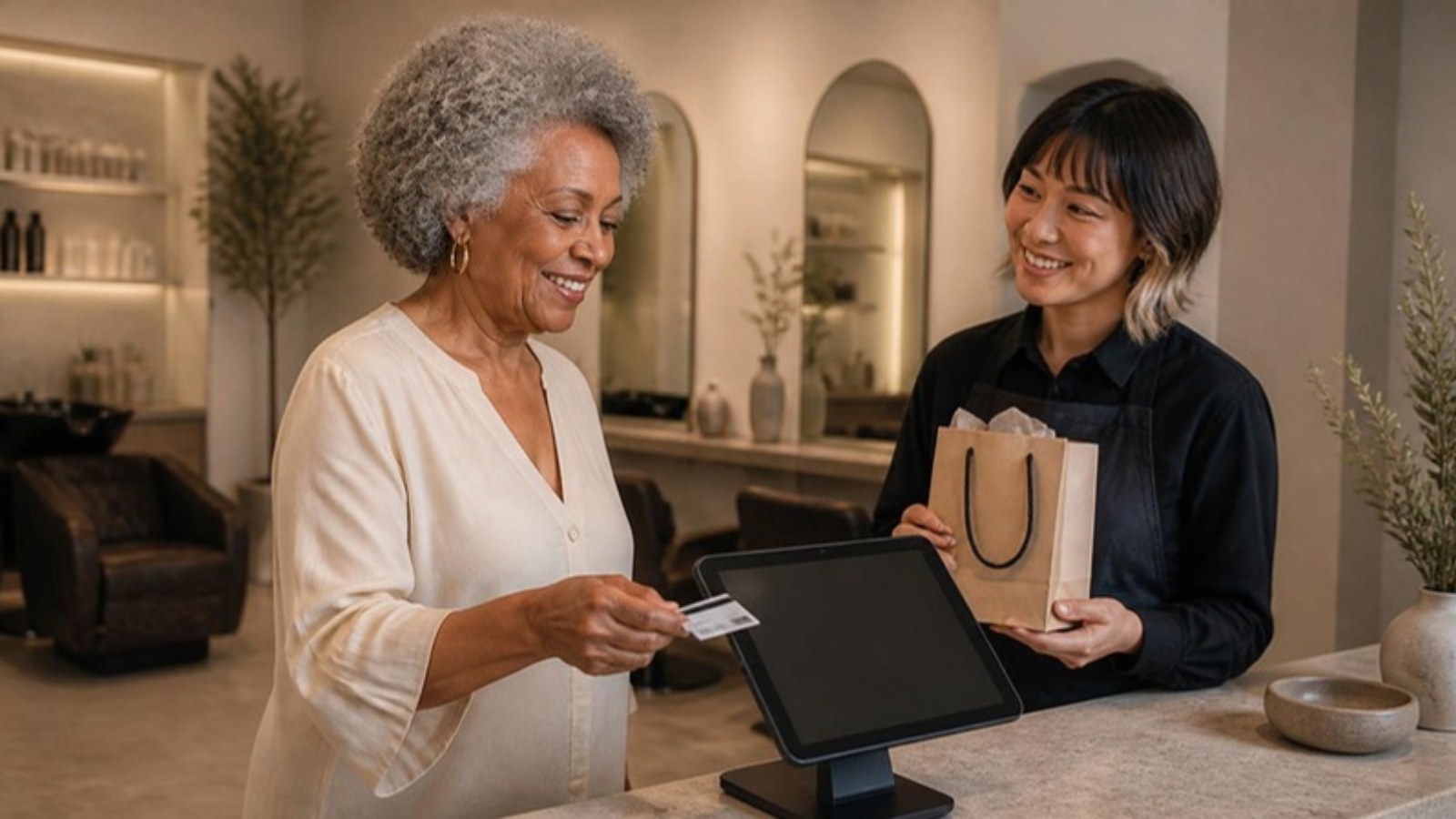
Clients love when paying is easy. A strong POS system processes transactions instantly, offers multiple payment options, and keeps things organized. No confusion, no awkward waiting, and no manual math at the end of a busy shift.
Everything updates automatically: services, add-ons, and tips are recorded correctly and synced to your reports. When checkout feels simple, your entire business feels smoother.
Digital Tipping Encourages Generosity
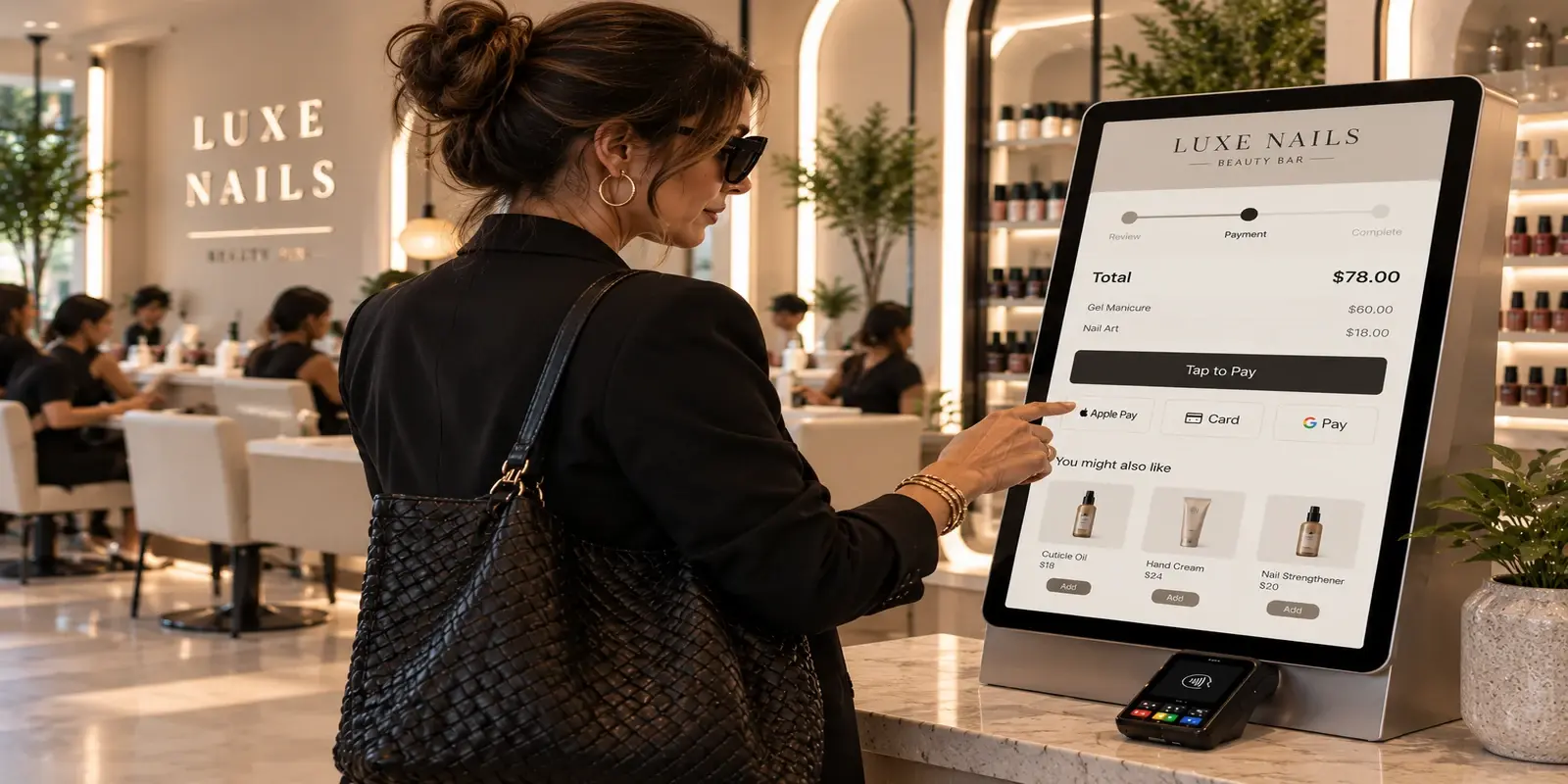
Many clients want to leave a tip but hesitate when they have to calculate it themselves or find cash. With a modern POS system, digital tipping prompts appear naturally during checkout. The options are easy, quick, and professional.
This subtle automation can increase average tip amounts and help stylists and technicians earn what they deserve. It is simple psychology: when the process is easy, people follow through.
Organization That Reduces Stress
A good POS keeps everything where it belongs. It connects services to staff, tracks product sales, and makes reconciling daily totals effortless. At the end of a long day, you should not be hunting through receipts or comparing numbers.
With an integrated system, everything balances automatically. You can close out quickly, check reports, and leave work with peace of mind.
Insights That Guide Growth
Your POS data is more than numbers, it tells you what your clients value most. Maybe manicures spike before the weekend or certain technicians have higher rebooking rates. Seeing those patterns helps you schedule smarter and promote the right services.
Technology should not just organize your salon; it should guide your decisions with clarity.
A System That Matches the Pace of Your Salon
Nail salons move fast. The right POS keeps up without slowing your rhythm. It should be simple to learn, easy for your staff to use, and flexible enough for walk-ins and appointments.
When the system runs smoothly, you can stay focused on the client in front of you instead of the screen in front of you.
The Takeaway
A nail salon POS is more than a piece of equipment, it is part of your brand experience. It represents your professionalism, your organization, and your care for both clients and staff.
At Emvari, we design software that moves at the same pace you do: clean, intuitive, and always one step ahead. Because when checkout feels seamless, your clients leave smiling, your team feels confident, and your business has more room to grow.
Demand is growing, too. The Bureau of Labor Statistics projects employment of manicurists and pedicurists to grow 9% over the next decade, much faster than average (BLS Occupational Outlook).
Must-Have Features in a Nail Salon POS
Nail salons have a few needs that a general retail POS does not handle well. Before you choose, make sure the system covers:
Walk-ins and appointments together. Your POS should check out a walk-in pedicure as easily as a booked gel fill, and keep both on the same schedule.
Tip splitting. When two technicians work on one client, the tip should split correctly without anyone doing math at the end of the night.
Add-ons at checkout. Nail art, gel removal and paraffin treatments should be quick to add to a ticket, so nothing gets missed.
Commission tracking. Each technician’s services, retail and tips should be recorded automatically for payroll.
Retail tracking. Polish, cuticle oil and at-home care products should come out of inventory as they sell.
How a Nail Salon POS Helps Increase Tips
Tips grow when giving them is easy and clients have a moment to think about it. Suggested tip amounts on the screen remove the mental math, and a tip prompt that appears before the final total keeps the moment from feeling rushed.
It also helps when the client tips the technician directly at the end of the service, instead of at a crowded front desk after the experience has already ended. A clear, simple screen makes tipping feel like a normal part of a great visit.
Questions to Ask Before Choosing a Nail Salon POS
Bring a short list to every demo so you can compare systems fairly. Ask how long checkout takes for a typical walk-in with an add-on and a tip. Ask how tips are split when two technicians share a client, and how that shows up in payroll. Ask what the processing rate is for tap and chip payments, and whether there are monthly fees on top.
Ask how the system handles a busy Saturday with walk-ins waiting, and whether clients can check themselves in. Ask what reports you can see at the end of the day, and whether each technician can see their own sales and tips. Finally, ask who you call when something stops working, and when they answer. The right answers will narrow your options quickly.
Frequently Asked Questions
What is the best POS for a nail salon?
The best nail salon POS handles walk-ins, appointments, tip splits and commissions in one system, and connects checkout to your schedule and client records so nothing is entered twice.
Can a nail salon POS split tips between technicians?
Many can, but not all. Ask to see tip splitting during a demo, and check that the split carries through to payroll reports automatically.
Does a nail salon need a separate card reader?
Not if payments are built into the POS. An all-in-one system takes card, tap and mobile wallet payments and records the sale against the appointment in one step.
How can a nail salon POS help with walk-ins?
Look for a system with a digital waitlist or self check-in, so walk-in clients can add themselves to the queue and see their wait time. Your technicians then see who is next without anyone managing a paper list at the front.
Emvari as Your Nail Salon POS
Emvari’s salon payment processing handles card, tap, Apple Pay and Google Pay with built-in tip prompts, and our nail salon software adds kiosk check-in for walk-ins.